
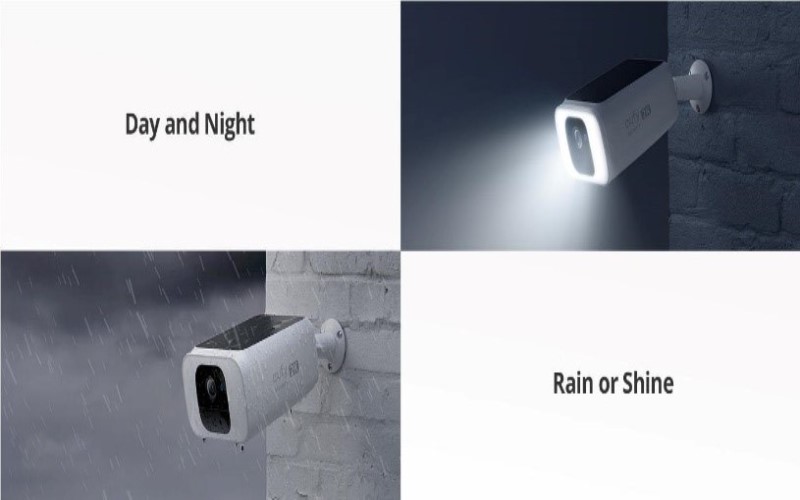
You may have been perplexed by the luminous, hazy, and round objects in the security camera footage. Many individuals have reported encountering these enigmatic phantom orbs and are eager to ascertain their nature. This blog post aims to elucidate what are orbs and the nature of these spheres and offers recommendations for preventing their appearance in the security camera footage.
Something You Should Know About Orbs in Security Cameras
Why do I see orbs in my video footage?
It is not uncommon for the security camera to include orbs or trails of light in the footage when it is set to night mode. Dust particles will be illuminated and visible in the video recording if any light source is positioned behind, to the side, or in front of the camera. This is because dust particles can reflect light; thus, you can see hazy, round objects in the footage. Porch lights, streetlights, spotlights, vehicle headlamps, and nightlights are among the numerous light sources that have the potential to illuminate dust particles. With all these factors, orbs can be seen in your video footage.
What do orbs mean?
The preceding paragraph observed that orbs are frequently depicted as round, hazy objects hovering in security camera footage. Sometimes, these entities are incorrectly associated with supernatural activity when they are merely specks of dust, water spots, or other particles suspended in the air and illuminated by a light source. The particles in the film captured by the security cameras appear as round, indistinct images. In the photography and videography industries, these particles are called “backscatter” or “near-camera reflection.”
What is the most effective method for eliminating the orbs?
Although it may not always be feasible to eliminate orb particles from the film captured by your security camera, there are a few methods by which you can prevent orbs from forming. The quantity of illuminated light can be reduced by adjusting the angle at which your security camera is positioned. Suppose there are strong lights near your camera, particularly behind the camera or by rotating the camera. In that case, a completely different location could solve the issue. You can also remove any loose particles that may be present on the lens by using a gentle brush or blowing them away. The lens should be cleaned using a microfiber or cloth in the second stage. If your camera is affected by the water discharge from the sprinklers, it may be beneficial to relocate it to a different location.
When is it appropriate to call in an expert?
You can already call for professionals if you are experiencing feelings of frustration due to the belief that you have exhausted all possible methods to eradicate orbs in the footage. The underlying cause of orbs may be soon apparent or associated with more fundamental technological issues with your security system. If you consult a proficient security camera technician, they can provide specific insights regarding your setup. They can offer solutions customized to your equipment and environment, guaranteeing that all potential causes are identified and addressed. Know that orbs may be discernible in the video footage you have recorded due to the inferior quality of your security cameras.
Conclusion
As demonstrated in this discussion, the presence of orbs on security camera footage is not a cause for concern. Common environmental elements, including dust, water droplets, and infrared reflections, typically cause these phenomena. The most effective way to eliminate these objects is to clean your camera regularly with the appropriate materials or attempt to adjust its position. Nevertheless, consulting with a trained specialist may be necessary if you continue to observe orbs despite implementing the prescribed procedures.

Rockies Ripple is the founder and lead writer behind the independent blog tvplutos.com